Delete an employee profile

Updated May 23, 2026 1 min read Reviewed by The Payroll Success Team at Humanised

On this page
  1. Step 1: Open the employee profile
  2. Step 2: Open “settings”
  3. Step 3: Delete the profile


This article is for Owners and admins who use Humanised

Overview

If an employee profile is no longer needed for payroll or system purposes, you have the option to permanently delete it.

Step 1: Open the employee profile

Step 2: Open “settings”

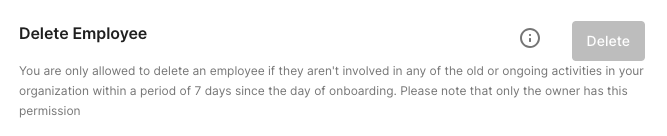
Step 3: Delete the profile

Figure 1 -Employee profile settings

Was this article helpful?

Your feedback helps us improve these guides.

Still need a hand?

A real human on our team will look at your ticket and come back to you — typically within a few working hours.

Open a support ticket